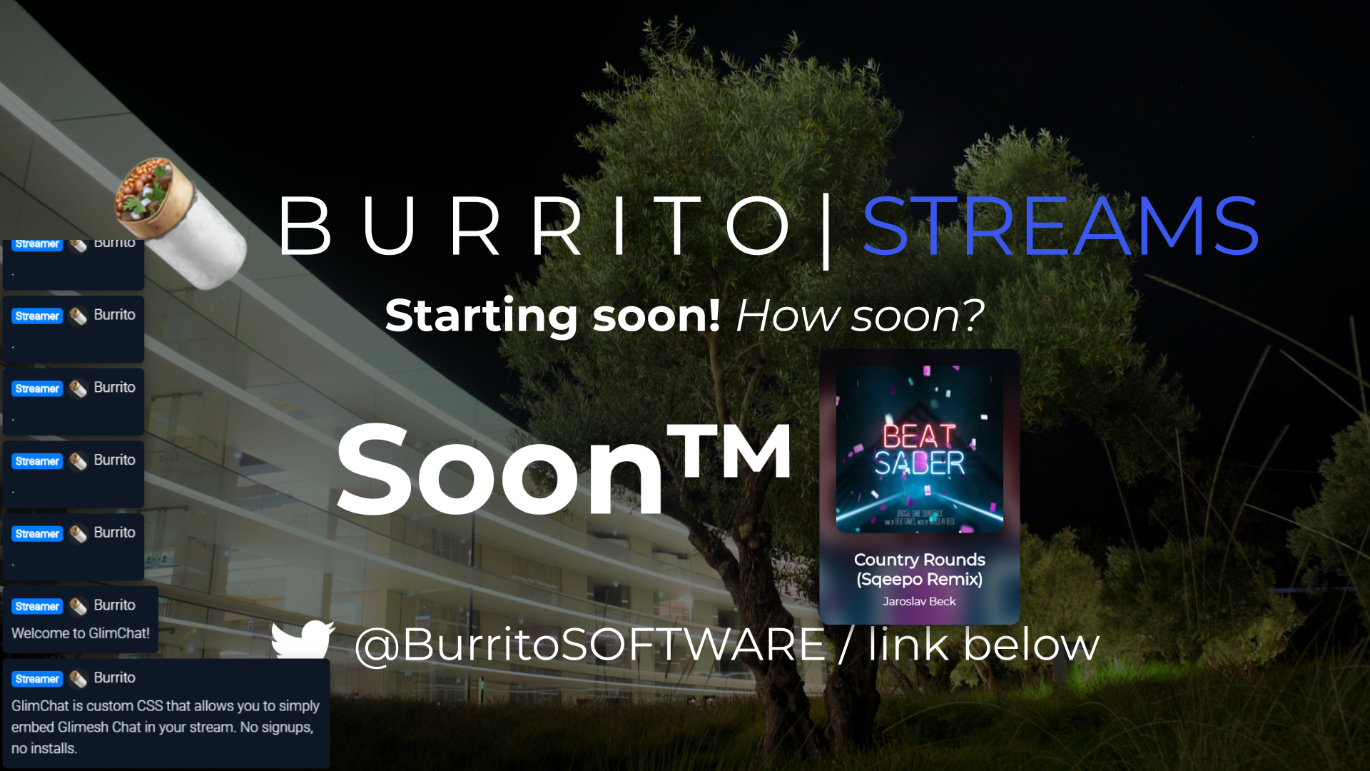
Simple CSS to overlay your Glimesh Chat in OBS/XSplit. No signups, no selfhosting.
Installation
Create a new browser source in OBS/XSplit, and set the URL to https://glimesh.tv/CHANNELNAMEHERE/chat, and replace CHANNELNAMEHERE with your channel name. Then, go down to custom CSS, and replace the prefilled CSS with my CSS below. Then simply hit OK!